Turn your photo into a professional portrait.
Upload a photo and prepare a polished version for profiles, résumés and presentations.
By continuing, you confirm that you have the right to modify this image and accept the Terms of Use.
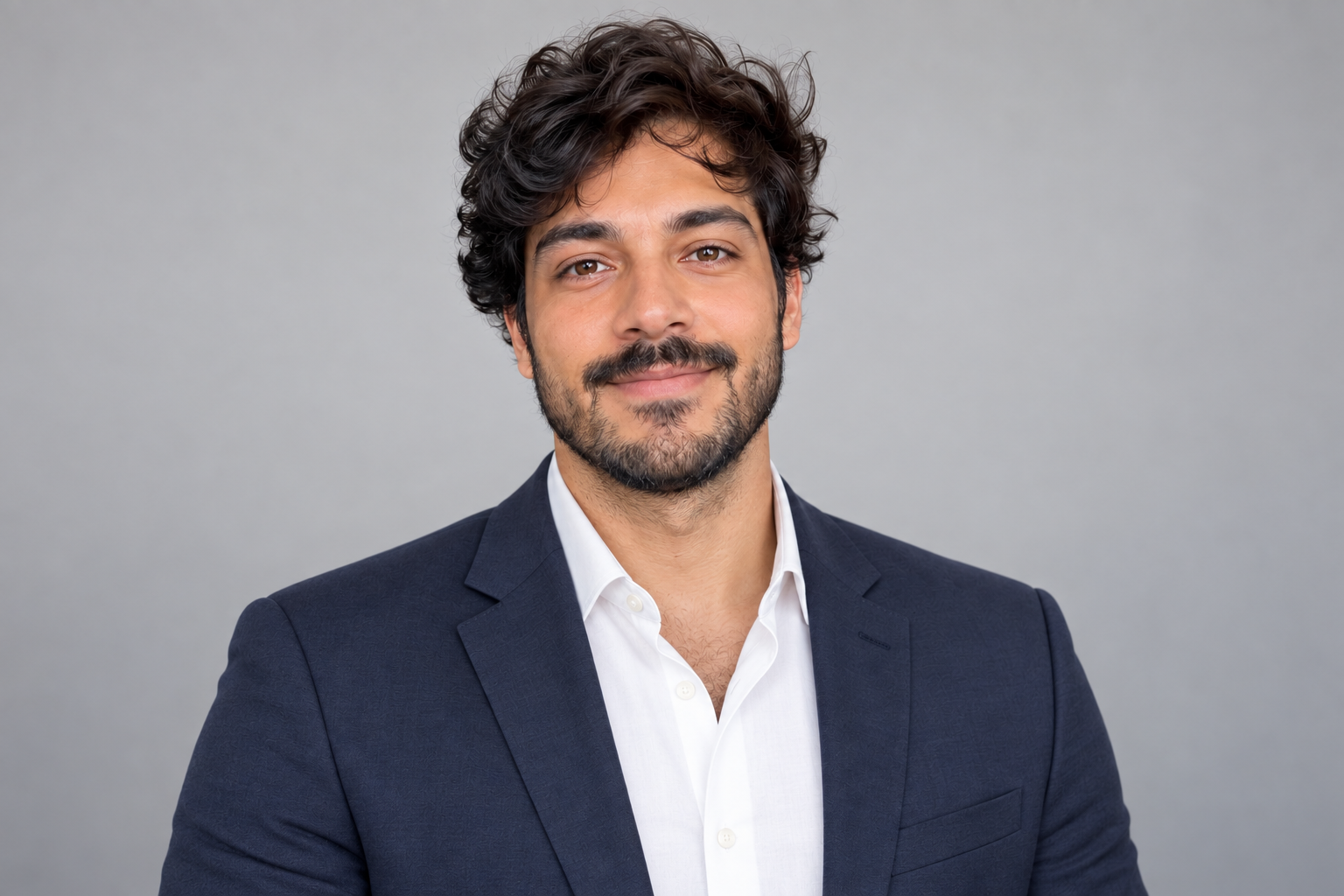
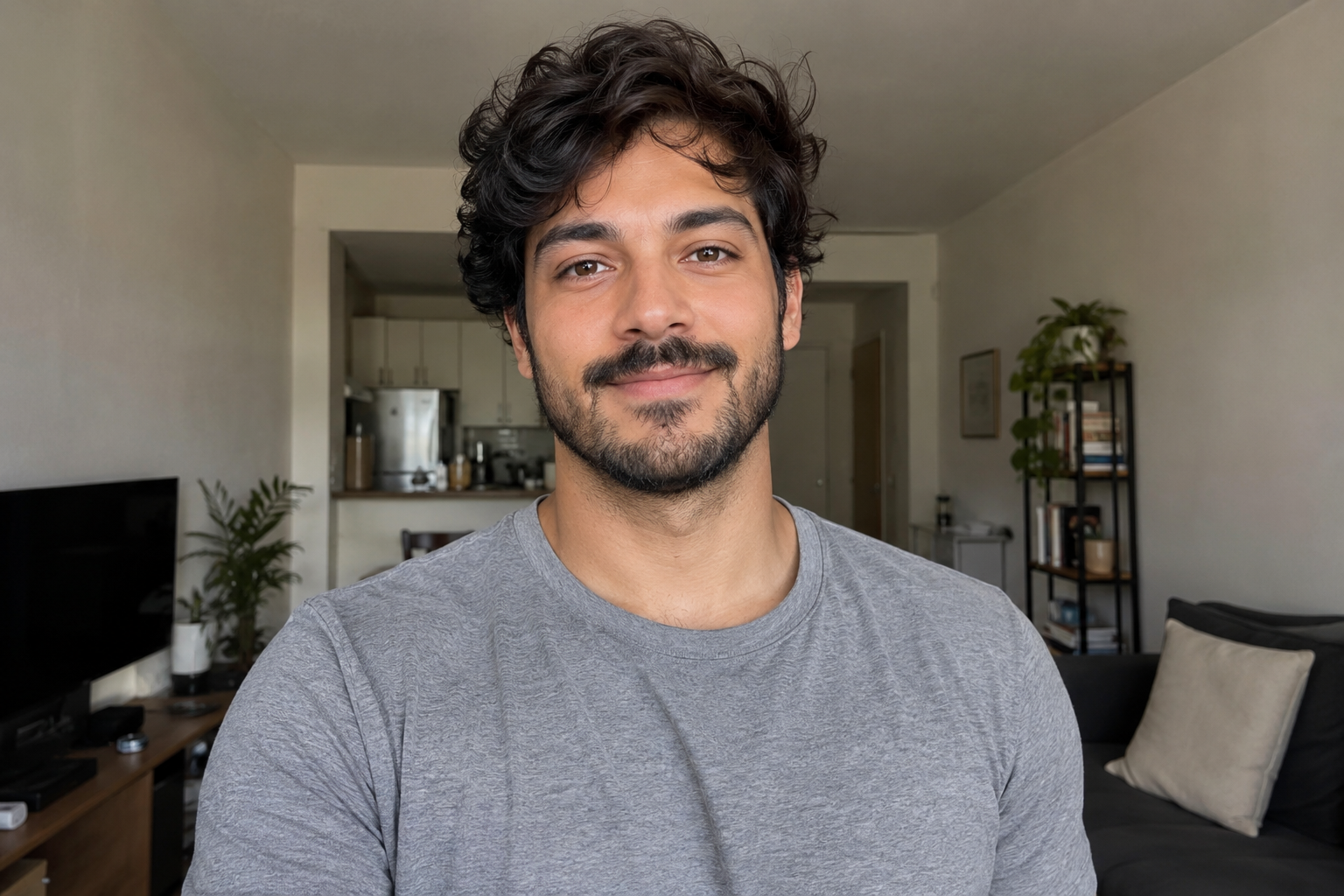
Compare your original photo and professional portraitProfessional profile with CleanAnyPic
A more polished versionTurn an everyday photo into an image that is ready to introduce you.
Still recognisably youThe aim is to preserve your expression and recognisable features.
For the places that matterUse it on LinkedIn, a résumé, work profiles or presentations.
We prepare the portrait
CleanAnyPic refines the background, lighting and presentation to create a professional portrait.
Create my portrait →- 01Upload your photo
Choose a JPG, PNG, WEBP, HEIC/HEIF, GIF, BMP or AVIF image up to 30 MB.
- 02We prepare the portrait
We work on the background, lighting and overall presentation.
- 03Download your version
Receive a portrait prepared for your professional profile.
Make a stronger first impression.
Present a more polished image when your photo is part of your professional introduction.
Create my portrait →A more polished versionTurn an everyday photo into an image that is ready to introduce you.
Still recognisably youThe aim is to preserve your expression and recognisable features.
For the places that matterUse it on LinkedIn, a résumé, work profiles or presentations.
Image privacy
Your images are processed in a secure, encrypted environment. Make sure you have the rights or permissions needed to modify them.
Privacy firstYour image is used only to create your professional portrait.
Secure checkoutEncrypted payment processed securely by Stripe.
Create your professional portrait
Your 7-day access includes the professional portrait tool and every CleanAnyPic tool.
$1.95Estimated time: under 30 seconds
Your 7-day access includes the professional portrait tool and every CleanAnyPic tool.
- ✓ Unlimited images
- ✓ All tools
- ✓ Professional portrait
Clear renewal terms · $49.95 · Cancel online anytime
What photo works best?
A front-facing photo with a visible face and good light usually gives the most useful result.
Create my portrait ↑What photo works best?+
A front-facing photo with a visible face and good light usually gives the most useful result.
Are my features kept?+
The aim is to preserve your identity and expression while improving the overall presentation.
Where can I use the portrait?+
Use it on LinkedIn, résumés, professional profiles and presentations.
How can I cancel?+
Renewal terms are clear and you can cancel online anytime.
Prepare a photo for your profile.
Upload your image and create a professional version to introduce yourself.
Create my portrait →JPG, PNG, WEBP, HEIC/HEIF, GIF, BMP or AVIF · Max 30 MB · Professional portrait