

01 · Remove watermark
Remove watermark
Upload your image and remove the watermark automatically without editing it manually.
Remove watermark →Remove distractions, improve quality, adjust the format or create a new version. You do not need design skills or experience with complex editing tools.
By continuing, you confirm that you have the right to modify this image and accept the Terms of Use.


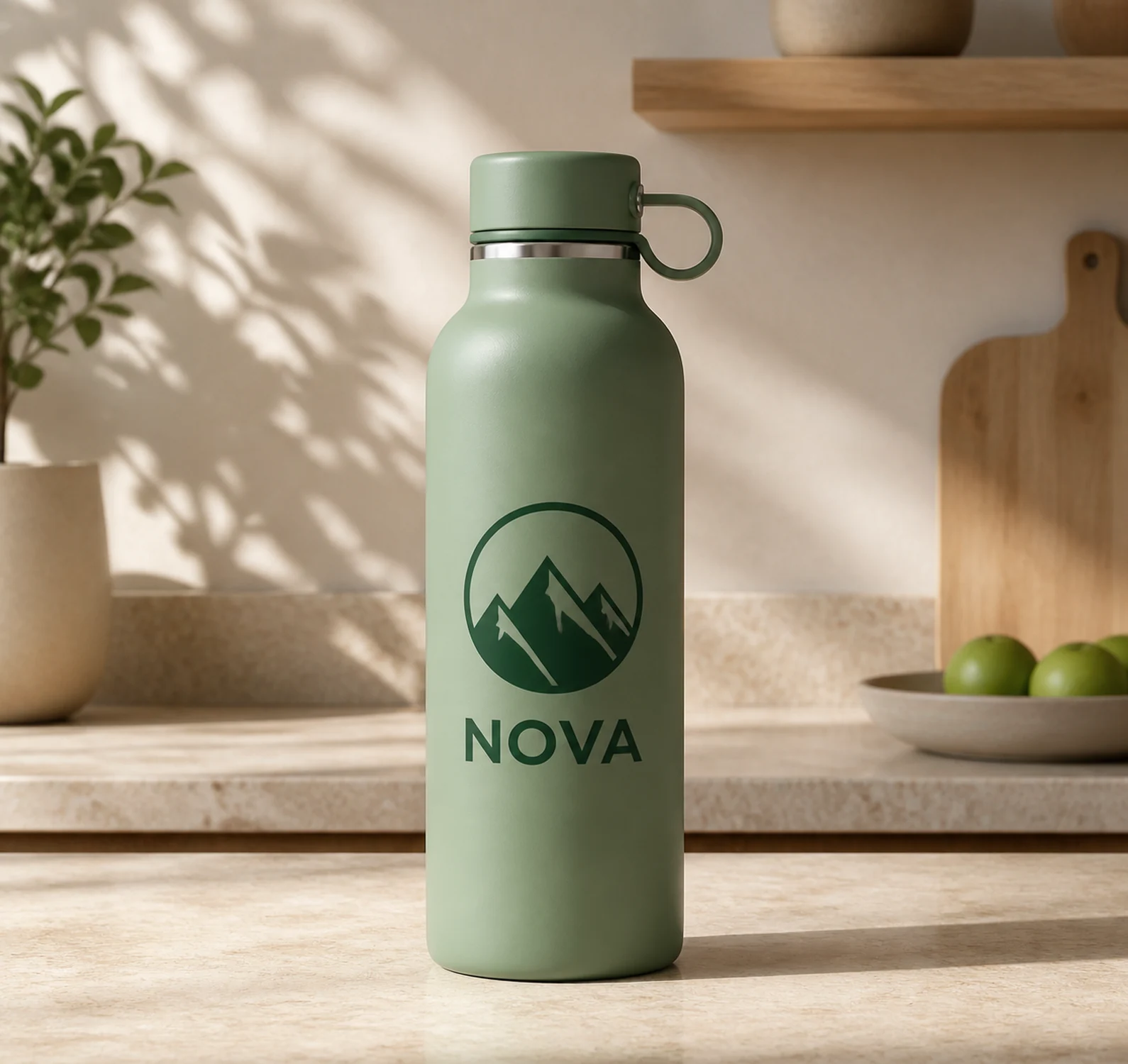
Compare the image before and after using Automatic removalOne example of what you can do with CleanAnyPic
Your image stays privateYour original remains linked only to your edit.
A tool for every needChoose the specific action you want to apply to your image.
Leave the technical work to CleanAnyPicYou do not need to master design or editing software.
Choose what you want to do and let CleanAnyPic handle the technical work.
Upload my image →Choose a compatible file of up to 30 MB from your device.
Remove, improve, adjust or transform your image according to your goal.
Check the result and download the final file when it is ready.
Each tool is designed for one specific improvement to your image.
Upload your image and remove the watermark automatically without editing it manually.
Remove watermark →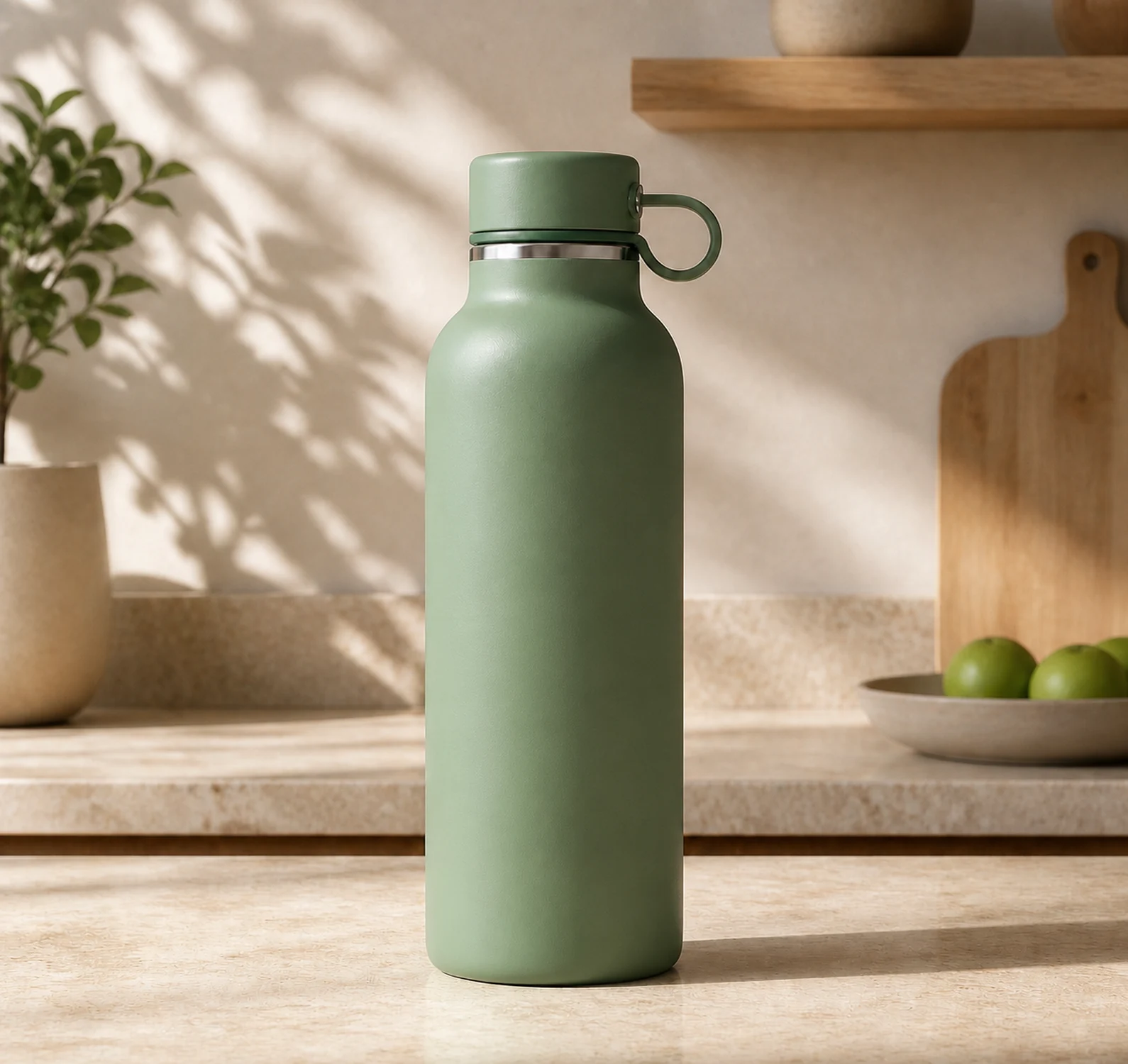
Upload your image and remove the logo automatically without manually editing the photo.
Remove logo →

Upload your image and remove unwanted text without manually retouching the photo.
Remove text →

Remove unwanted objects from your photo while keeping the rest of the scene.
Remove objects →Use the right CleanAnyPic tool for each image without learning design software or complex workflows.
Upload my image →Remove distractionsClear watermarks, logos, text, objects or people when they get in the way.
Improve and prepareEnhance clarity, enlarge, crop or compress an image for its next use.
Create a new versionRestore an old photo or turn a portrait into a more professional image.
Use the tool you need today and get 7 days of access to every CleanAnyPic tool from your dashboard.
$1.95Automatic processing
Unlock your result and get 7 days of access to every CleanAnyPic tool from your dashboard.
Clear renewal terms · $49.95 · Cancel online anytime
Your privacy matters. CleanAnyPic keeps your original file linked only to the process you selected.
Privacy firstYour original file remains linked only to the process you started.
You stay in controlYour image is used only to process the task you selected.
14specialized tools
7supported formats
30 MBmaximum per image
✦automatic processing
Clear answers to the most common questions so you can choose the right tool with confidence.
Upload my image ↑You can remove unwanted elements, improve quality, enlarge, crop, compress, change formats, restore photos and create professional portraits.
No. Choose the tool you need, upload your image and follow the guided steps. CleanAnyPic handles the technical work.
You can upload JPG, PNG, WEBP, HEIC/HEIF, GIF, BMP, or AVIF files up to 30 MB.
Yes. When the service allows it, we show a protected preview so you can review the result before unlocking the final file.
The complete file produced by the selected tool, ready to download and also sent to the purchase email.
Yes. You can upload an image, complete the process and download the result from your phone, tablet or computer.
Upload it once and use the tool that best matches the result you need.
Upload my image →JPG, PNG, WEBP, HEIC/HEIF, GIF, BMP or AVIF · Max 30 MB · Can I check the result before paying?This tool is intended exclusively for the lawful processing of images. By using it, you represent that you hold the necessary rights or have the licenses, authorizations and consents required to modify the image. You may not use the tool or its results in any way that infringes copyright, trademarks, image rights, privacy or any other third-party rights.