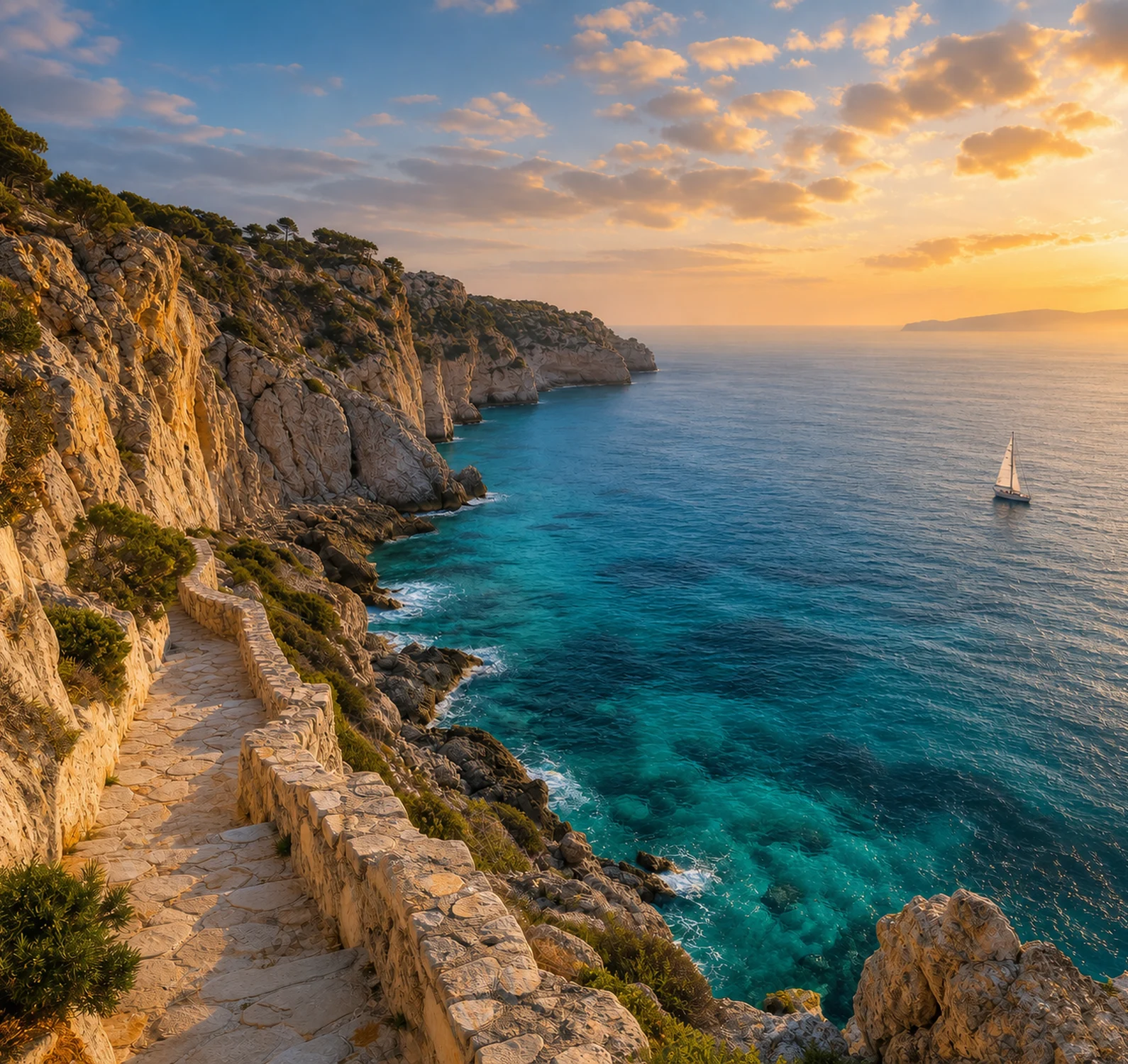
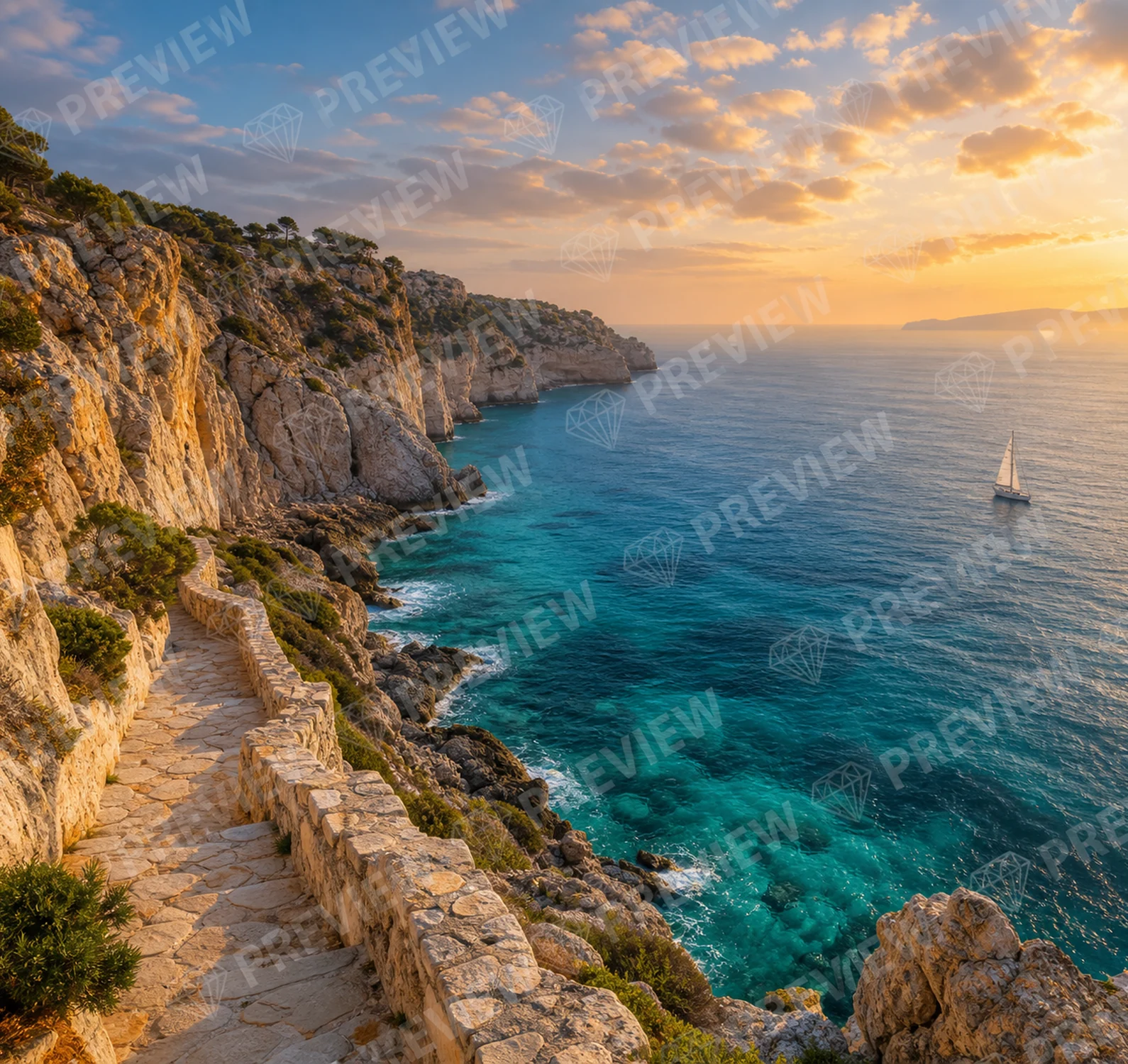
01 · Remove watermark
Remove watermark
Upload your image and remove the watermark automatically without editing it manually.
Remove watermark →Upload your photo and select exactly who you want to remove. CleanAnyPic rebuilds the background without cropping your image.
By continuing, you confirm that you have the right to modify this image and accept the Terms of Use.
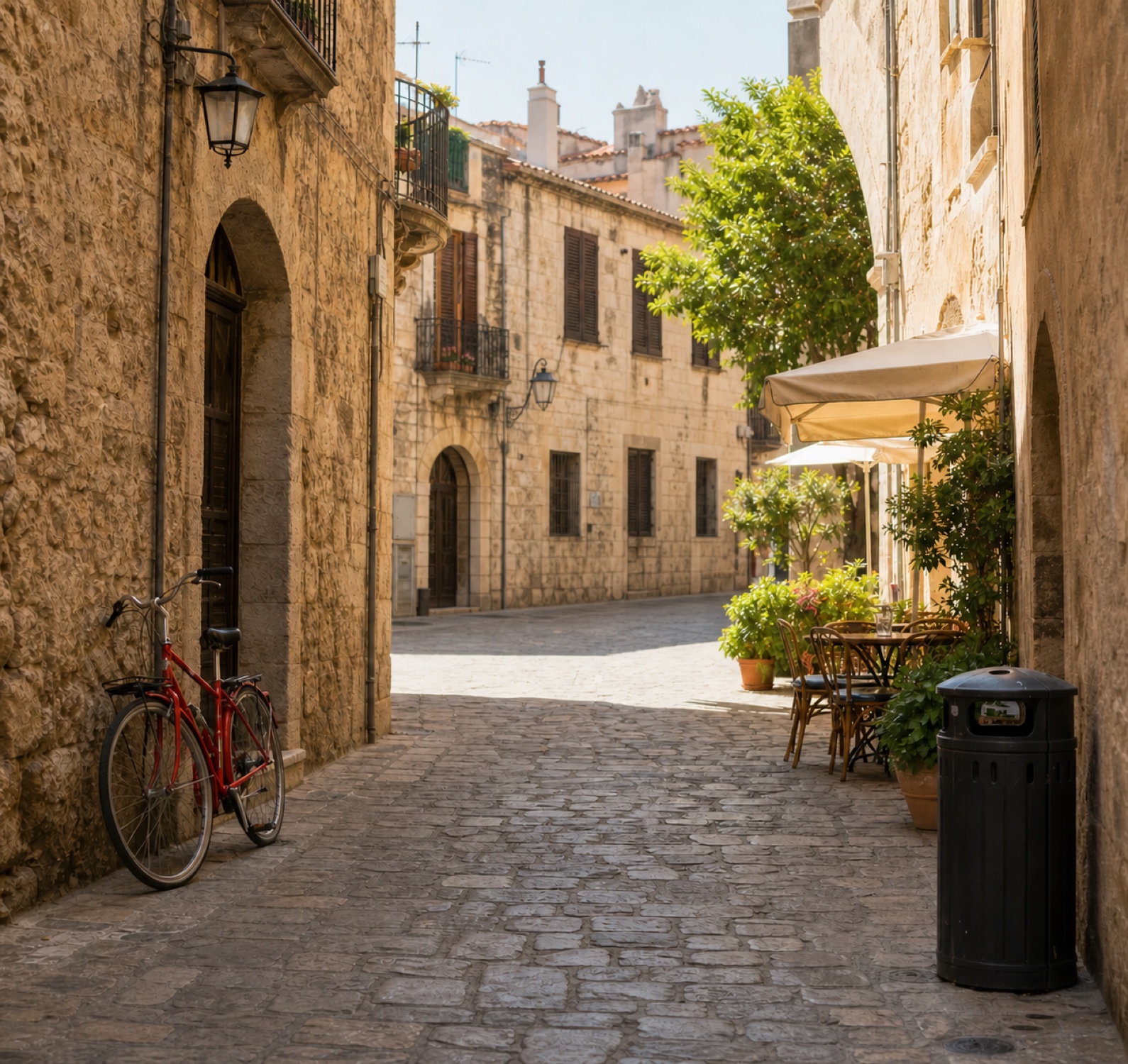
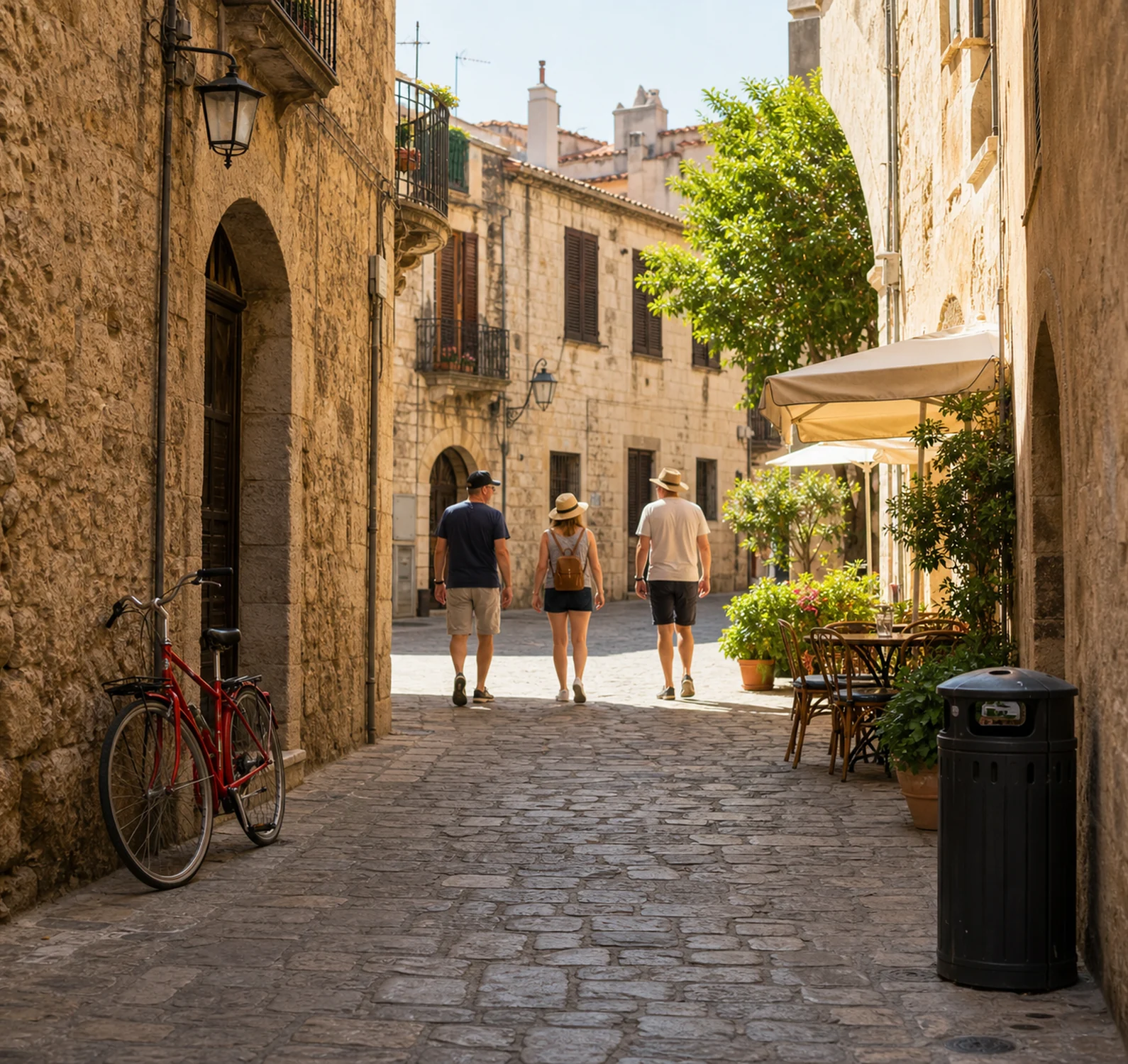
Compare the image before and after using People RemoverPeople removed with CleanAnyPic
You choose who disappearsTap each person you want to remove from the photo.
Made for travel photosClear tourists, passers-by and people caught in the background.
Keep the full frameRecover a cleaner scene without cropping away part of your photo.
Select one person or several people and let CleanAnyPic rebuild the space they occupied.
Remove people from my photo →Choose a JPG, PNG, WEBP, HEIC/HEIF, BMP or AVIF file up to 30 MB.
Tap each person you want to remove from the image.
Get the complete result in sharp, high resolution.
Clean up holiday photos, beaches, landmarks, events and any scene where someone appeared at the wrong moment.
Try it with my image →Remove several peopleSelect more than one person when several distractions are in the scene.
Protect what mattersYou decide exactly who should disappear and who stays in the photo.
Rebuild the missing spaceCleanAnyPic fills the removed area so it blends into the surrounding background.
Your photos are processed in a secure, encrypted environment. Only edit images you have the rights and consent to modify.
Privacy firstYour original stays linked only to this cleanup.
Secure checkoutEncrypted payment processed securely by Stripe.
Each tool is designed for one specific improvement to your image.
Upload your image and remove the watermark automatically without editing it manually.
Remove watermark →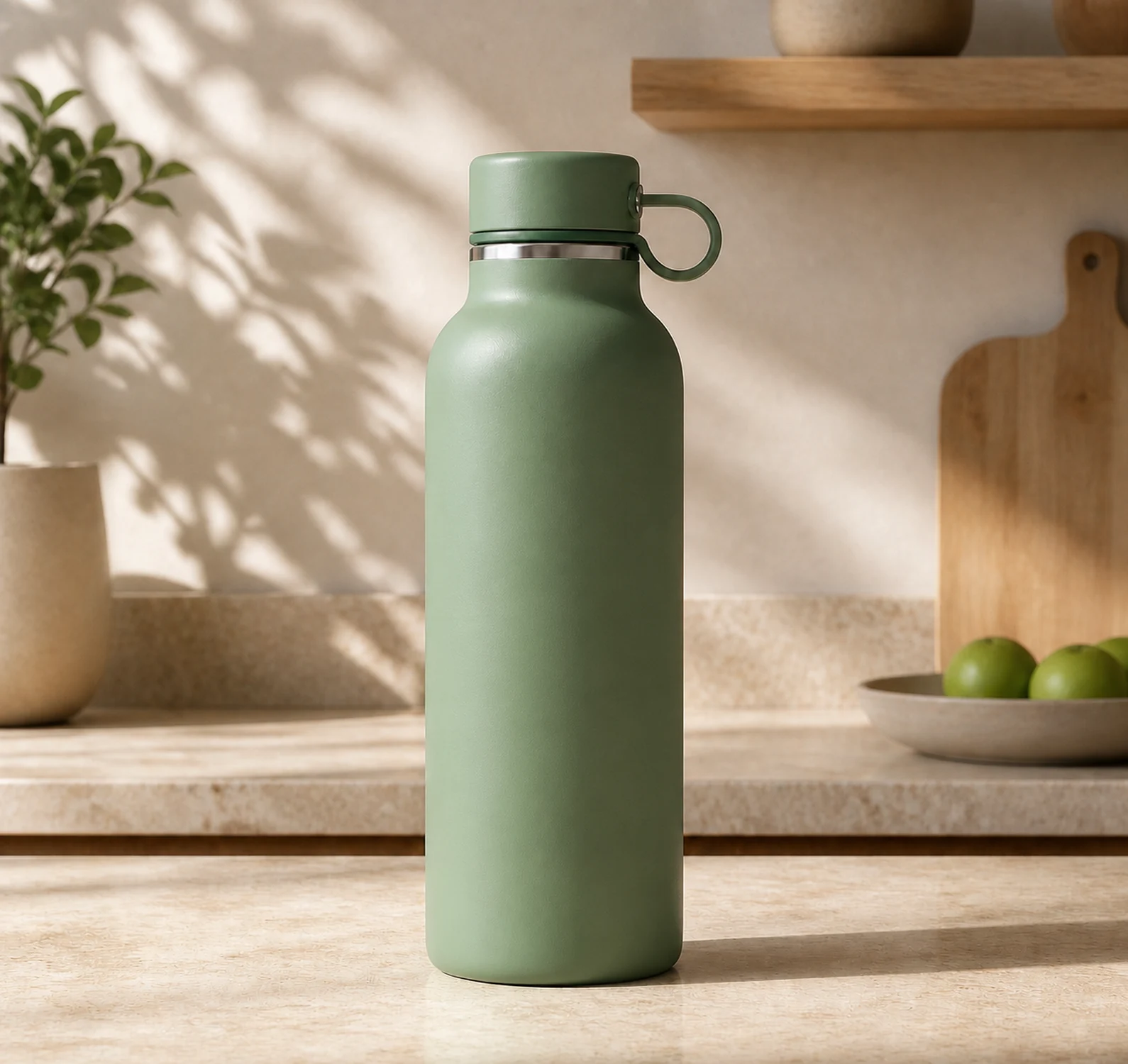
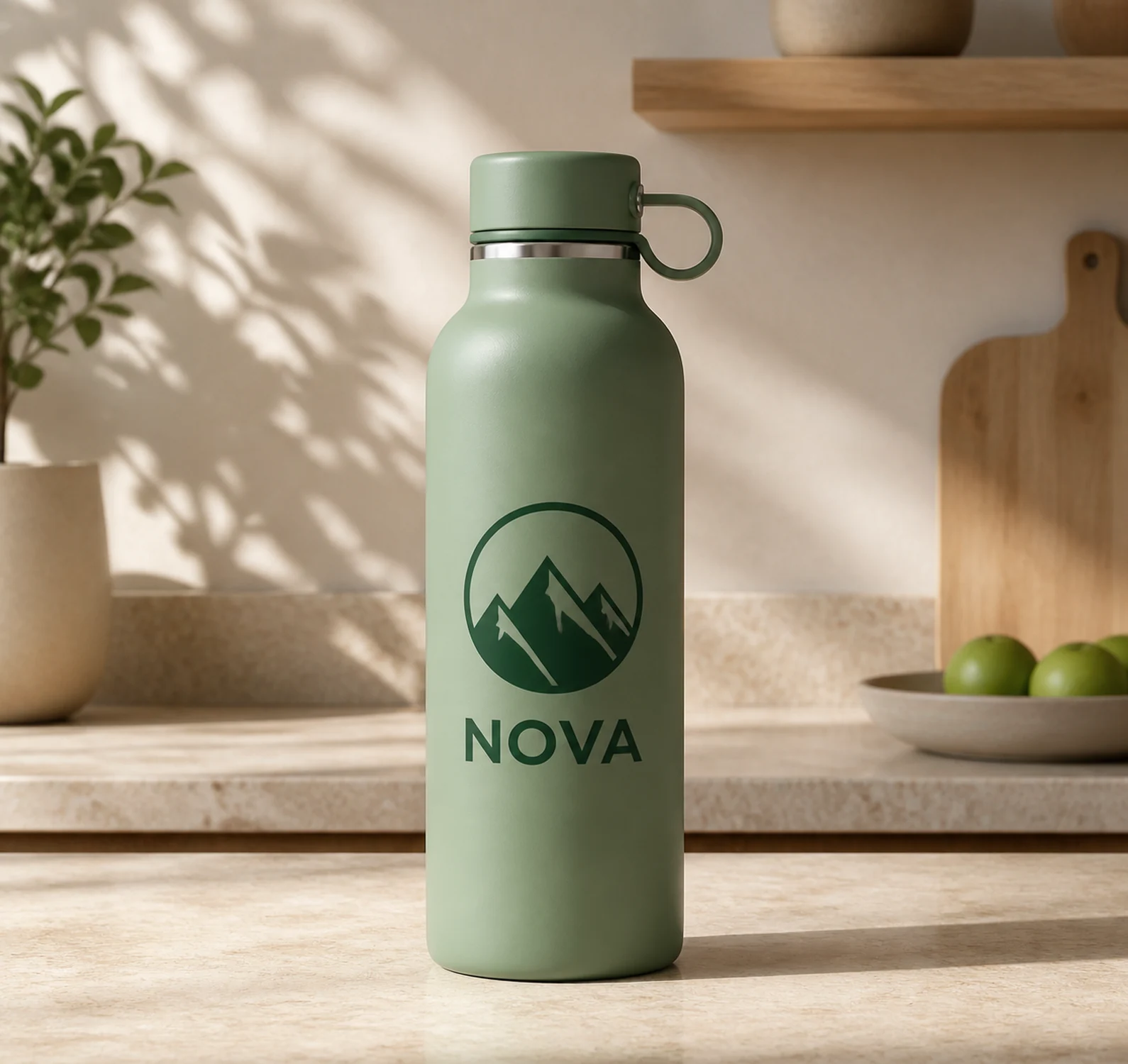
Upload your image and remove the logo automatically without manually editing the photo.
Remove logo →

Upload your image and remove unwanted text without manually retouching the photo.
Remove text →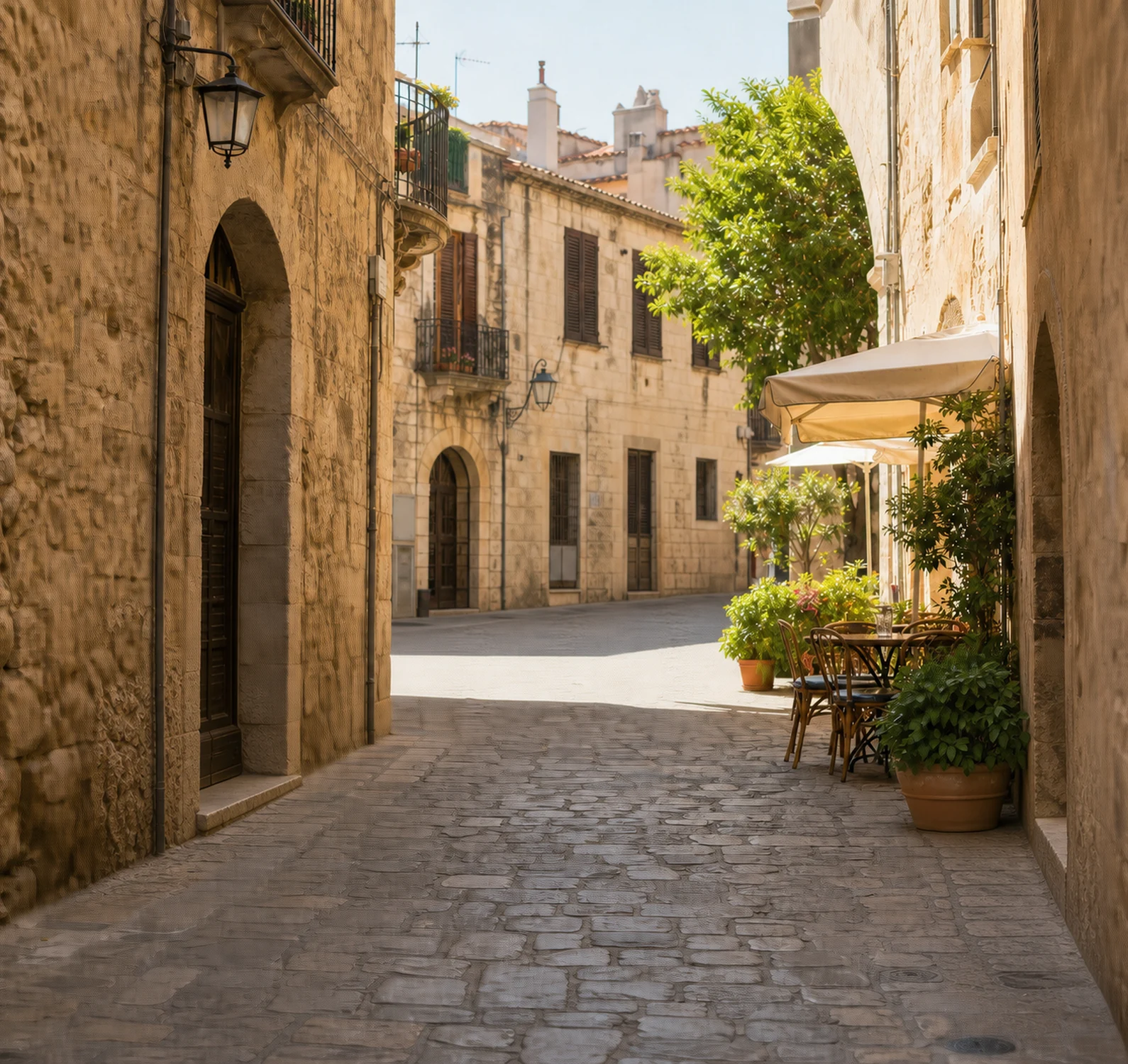
Remove unwanted objects from your photo while keeping the rest of the scene.
Remove objects →Get your image without unwanted people and enjoy 7 days of every CleanAnyPic tool from your dashboard.
$1.95Estimated time: under 30 seconds
Unlock your image without unwanted people and get 7 days of access to every CleanAnyPic tool.
Clear renewal terms · $49.95 · Cancel online anytime
Clear answers about selecting people, rebuilding the background, image quality and your download.
Remove people from my photo ↑Yes. Select every person you want to remove before continuing and CleanAnyPic will process them together.
Yes. Only the people you select are removed. Everyone you leave unselected stays in the image.
CleanAnyPic rebuilds the space each person occupied and blends it into the rest of the scene.
No. Simply tap the people you want to remove. You do not need professional photo-editing tools.
Yes. After payment, you receive the complete, sharp image in high resolution.
Access costs $1.95 for 7 days and then renews at $49.95 per month unless you cancel. You can cancel online at any time.
CleanAnyPic rebuilds the scene for you.
Remove people from my photo →JPG, PNG, WEBP, HEIC/HEIF, BMP or AVIF · Max 30 MB · Can I check the result before paying?This tool is intended exclusively for the lawful processing of images. By using it, you represent that you hold the necessary rights or have the licenses, authorizations and consents required to modify the image. You may not use the tool or its results in any way that infringes copyright, trademarks, image rights, privacy or any other third-party rights.