
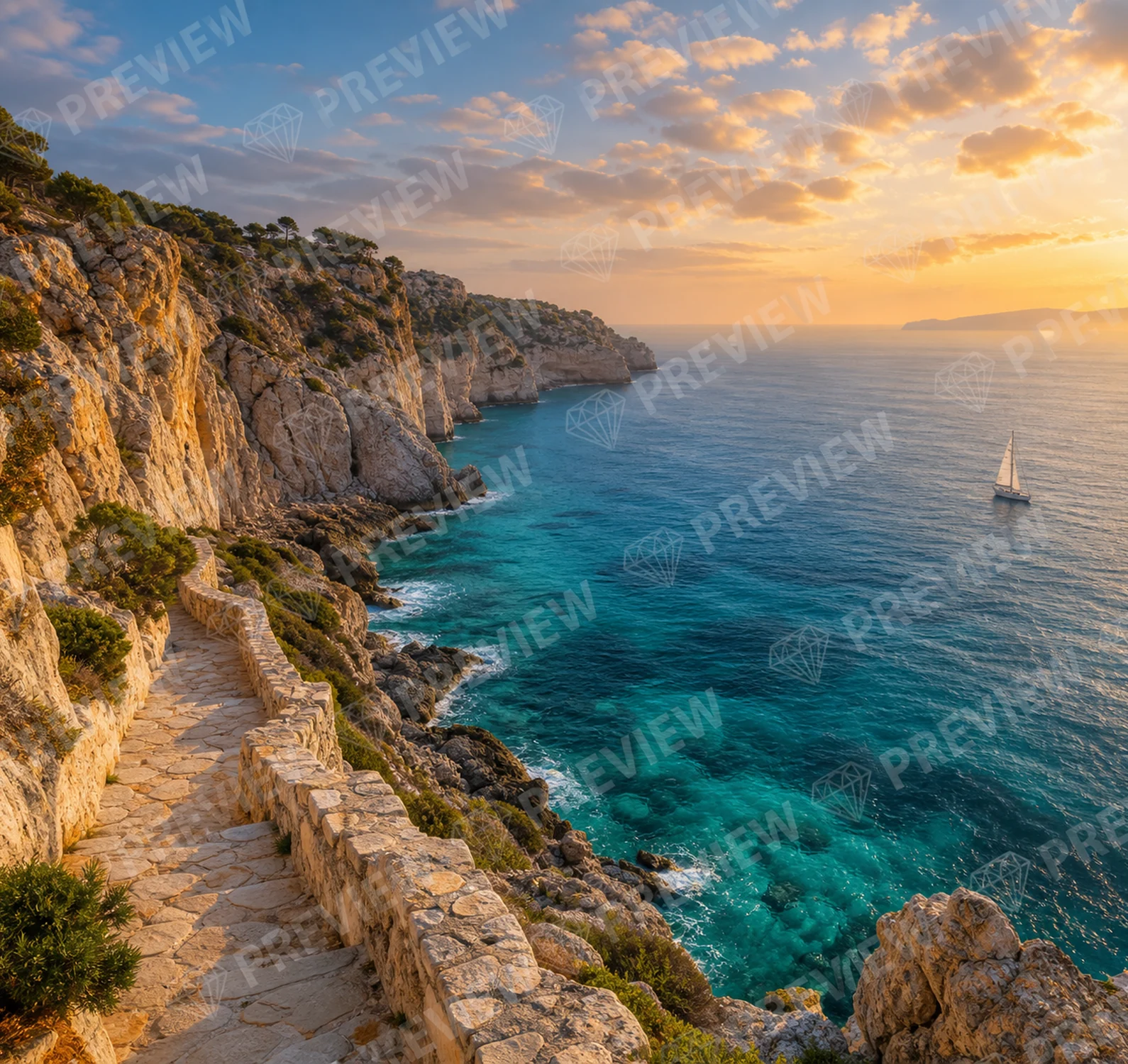
01 · Watermark Remover
Watermark Remover
Upload your image. The watermark is removed automatically.
Open Watermark Remover →Upload your photo, choose a format and prepare the framing you need.
By continuing, you confirm that you have the right to modify this image and accept the Terms of Use.


Compare the original photo and cropped framingCrop with CleanAnyPic
Choose a formatSelect a common ratio before you continue.
Define the framingYour selection guides the result you receive.
Download confidentlyYour image is prepared with the chosen ratio.
Choose your image, select a ratio and let CleanAnyPic prepare the crop.
Crop image →Choose a JPG, PNG, WEBP, HEIC/HEIF, GIF, BMP or AVIF up to 30 MB.
Choose the ratio that fits your post or project.
Receive your image with the selected framing.
Prepare photos for profiles, posts, catalogues or vertical content without opening an editor.
Crop image →Familiar formatsUse square, vertical, horizontal or keep the original ratio.
Your framing stays with youThe chosen ratio remains throughout the process.
Ready to publishDownload an image suited to where you will use it.
Your images are processed in a secure, encrypted environment. Make sure you have the rights or permission needed to modify them.
Privacy firstYour image is used only to prepare the selected crop.
Secure checkoutEncrypted payment processed securely by Stripe.
Your 7-day access includes the image crop tool and every CleanAnyPic tool.
$1.95Estimated time: under 30 seconds
Your 7-day access includes the image crop tool and every CleanAnyPic tool.
Clear renewal terms · $49.95 · Cancel online anytime
Use Original, 1:1, 4:5, 9:16, 16:9, 3:2 or 4:3.
Crop image ↑Use Original, 1:1, 4:5, 9:16, 16:9, 3:2 or 4:3.
Yes. Your download is prepared with the chosen ratio.
Yes. Choose another ratio before continuing.
JPG, PNG, WEBP and HEIC up to 30 MB.
Each tool is designed for one specific improvement to your image.
Upload your image. The watermark is removed automatically.
Open Watermark Remover →
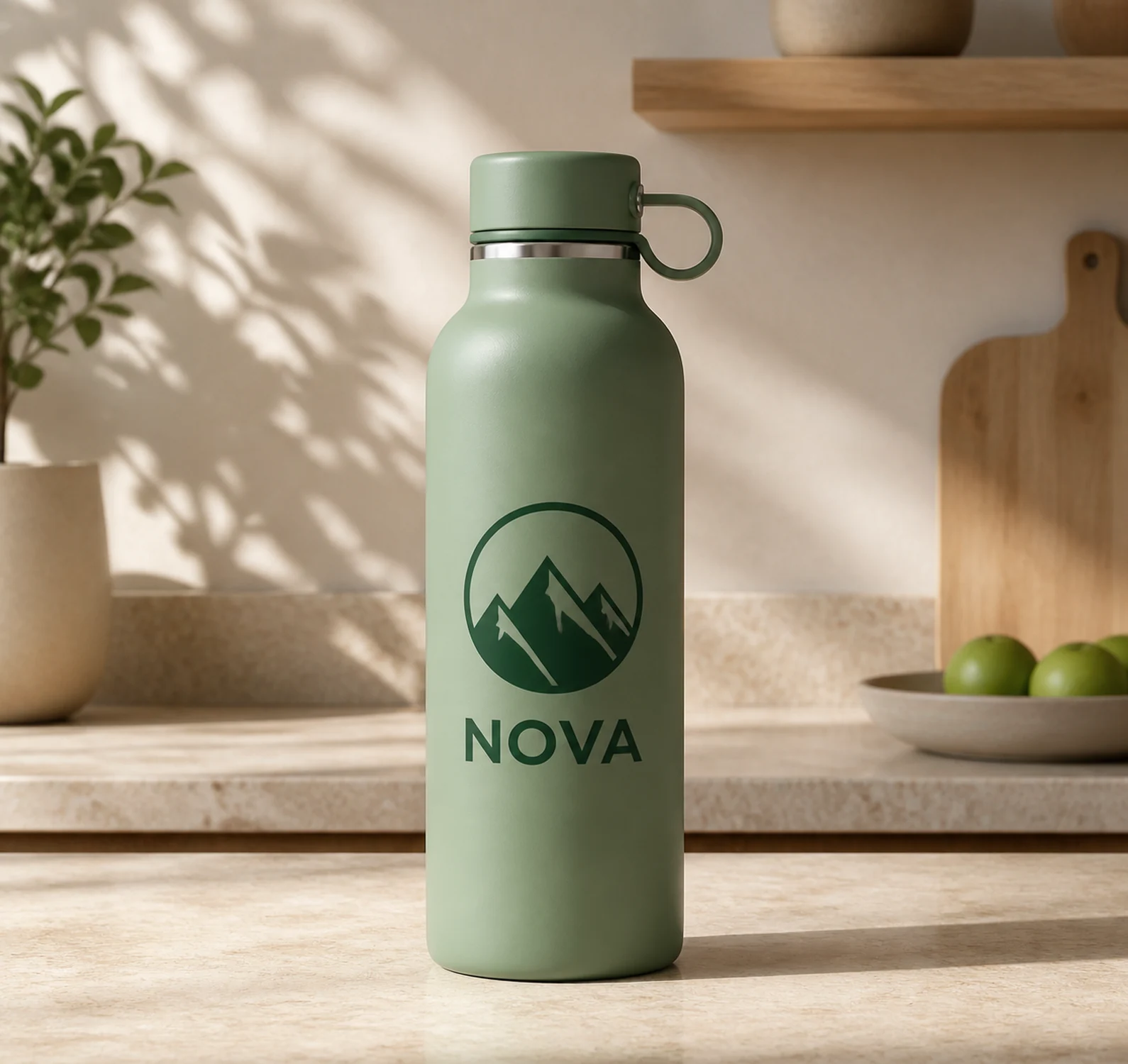
Upload your image. The logo is detected and removed automatically.
Open Logo Remover →

Upload your image. The text is found and removed automatically.
Open Text Remover →
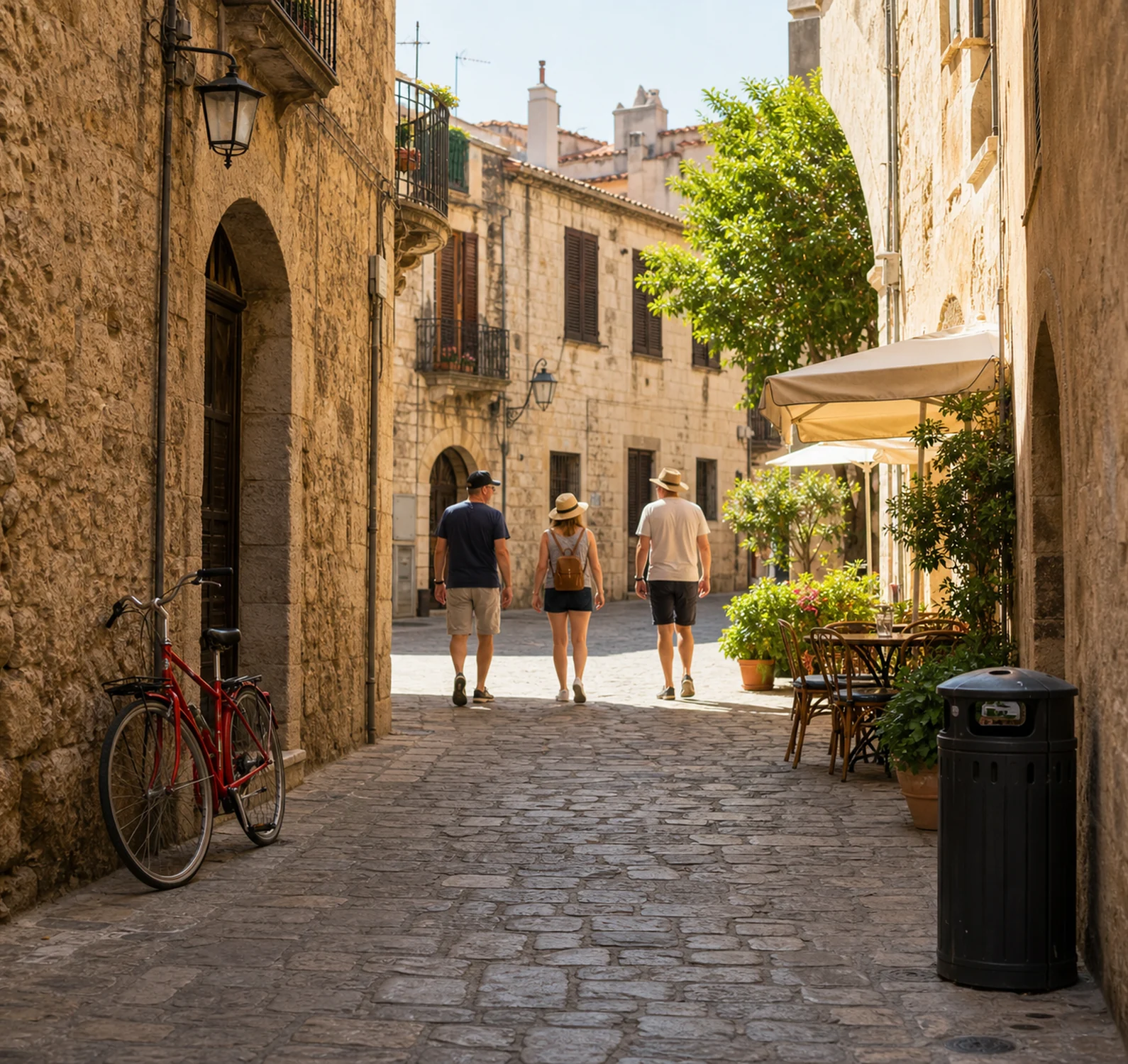
Upload your image. The unwanted object is removed automatically.
Open Object Remover →Upload a photo and choose the framing it needs.
Crop image →JPG, PNG, WEBP, HEIC/HEIF, GIF, BMP or AVIF · Max 30 MB · Cropped imageThis tool is intended exclusively for the lawful processing of images. By using it, you represent that you hold the necessary rights or have the licenses, authorizations and consents required to modify the image. You may not use the tool or its results in any way that infringes copyright, trademarks, image rights, privacy or any other third-party rights.