

01 · Watermark Remover
Watermark Remover
Upload your image. The watermark is removed automatically.
Open Watermark Remover →Upload your image. CleanAnyPic keeps the subject and creates a clean white background.
By continuing, you confirm that you have the right to modify this image and accept the Terms of Use.
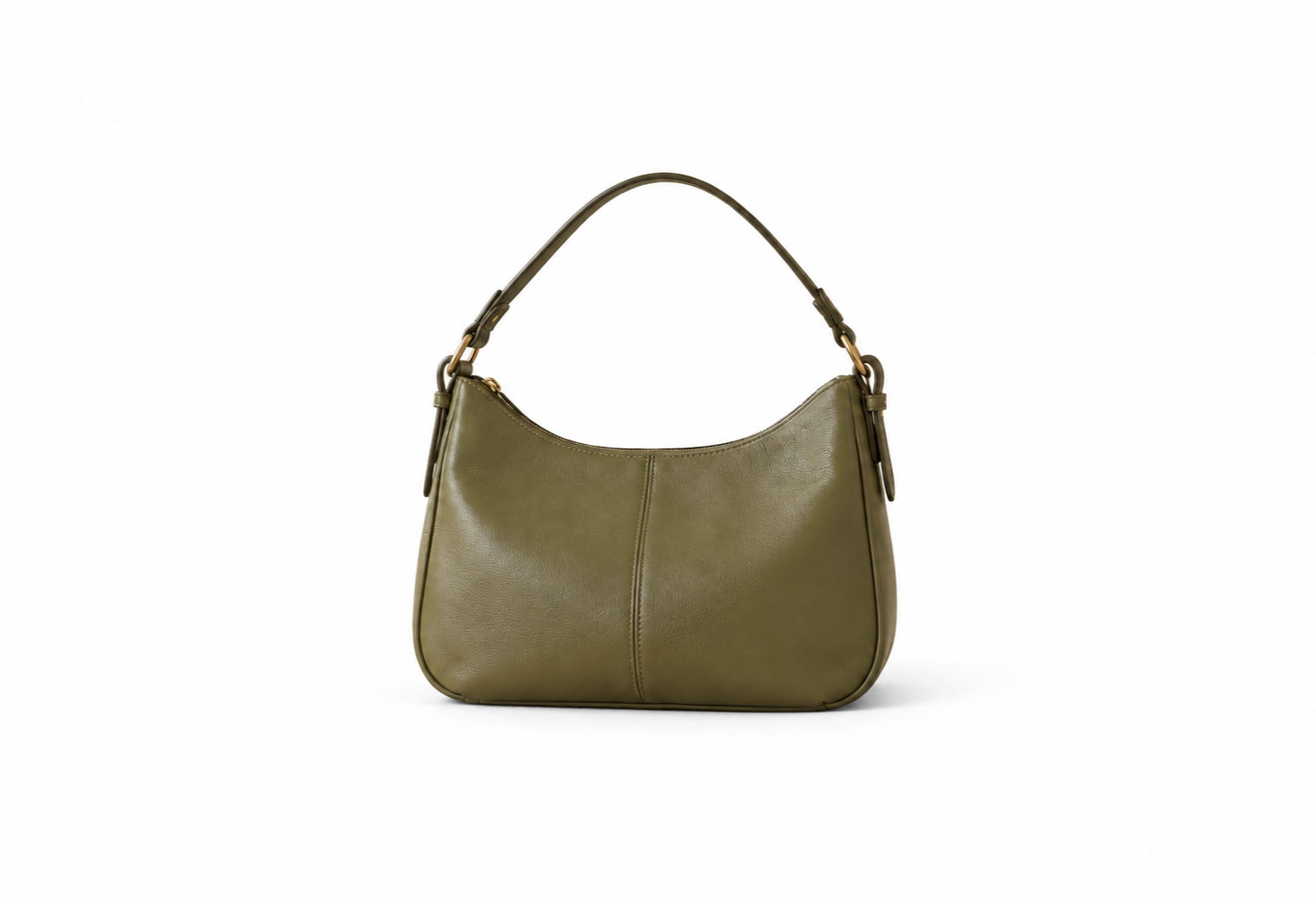

Compare the original image and the result with a white backgroundWhite background with CleanAnyPic
A uniform white backgroundPrepare cleaner photos for catalogues, stores and product listings.
The subject staysKeeps the main object and its visible contours.
Ready to publishUse your image in your store, marketplace or design.
Upload your file, replace the setting with white and download a clean image for your catalogue or store.
Make background white →Choose a JPG, PNG, WEBP, HEIC/HEIF, GIF, BMP or AVIF image up to 30 MB.
CleanAnyPic keeps the subject and replaces the setting with white.
Receive a clean image ready to use.
A uniform white background helps the object stand out in product listings, marketplaces and designs.
Make background white →A uniform white backgroundPrepare cleaner photos for catalogues, stores and product listings.
The subject staysKeeps the main object and its visible contours.
Ready to publishUse your image in your store, marketplace or design.
Upload your image. CleanAnyPic keeps the subject and creates a clean white background.
Privacy firstUpload your image. CleanAnyPic keeps the subject and creates a clean white background.
SECURE CHECKOUTEncrypted payment processed securely by Stripe.
Your 7-day access includes the white background tool and every CleanAnyPic tool.
$1.95Estimated time: under 30 seconds
Your 7-day access includes the white background tool and every CleanAnyPic tool.
Clear renewal terms · $49.95 · Cancel online anytime
Compare the original image and the result with a white background
Make background white ↑Images with a product or subject clearly separated from the background usually produce a cleaner result.
Yes. The result is prepared with a uniform white background.
The goal is to preserve the visible subject and replace only the background.
Use it in catalogues, online stores, marketplaces or designs.
You start with 7 days of access and can cancel online anytime.
Each tool is designed for one specific improvement to your image.
Upload your image. The watermark is removed automatically.
Open Watermark Remover →
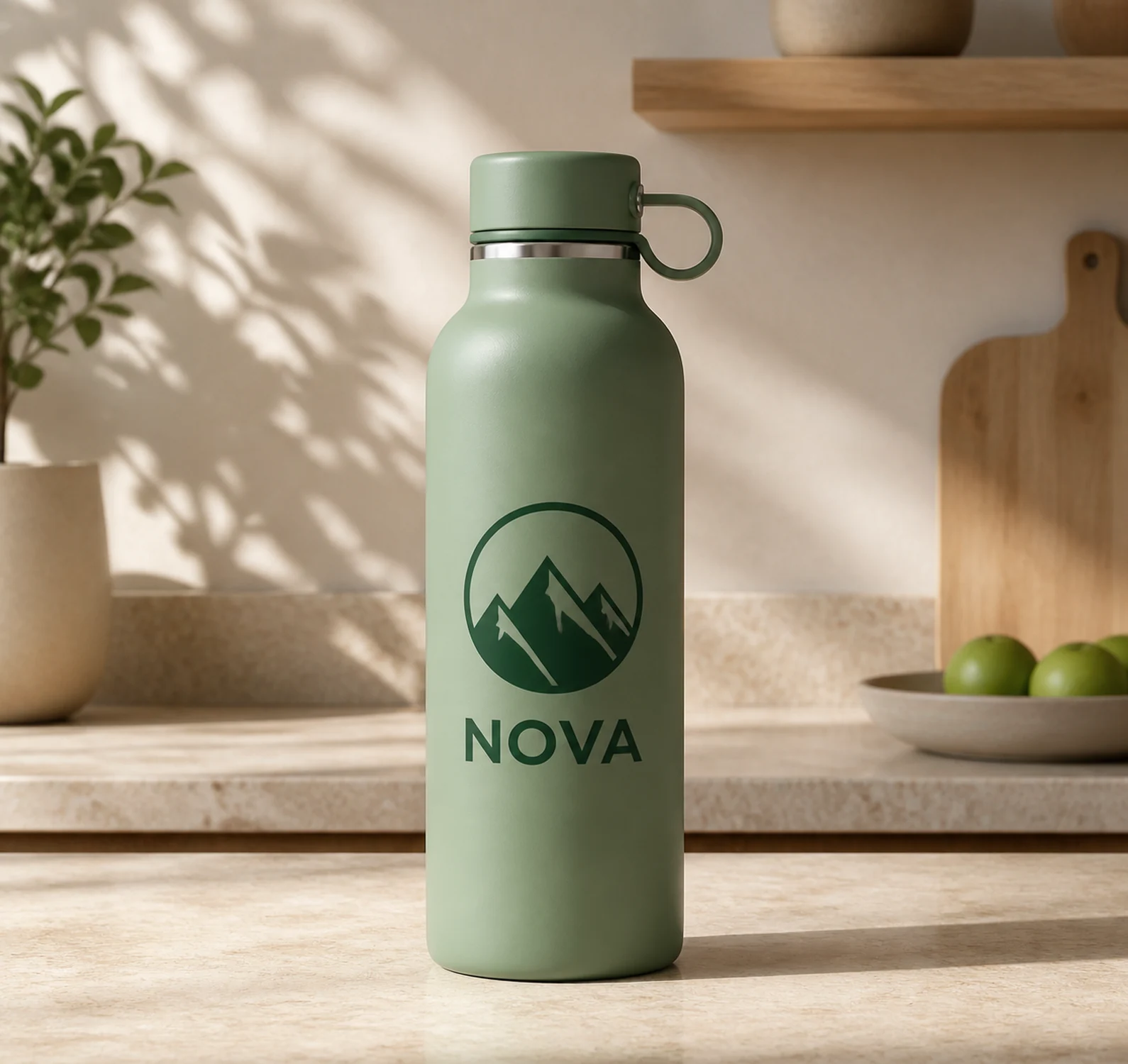
Upload your image. The logo is detected and removed automatically.
Open Logo Remover →

Upload your image. The text is found and removed automatically.
Open Text Remover →

Upload your image. The unwanted object is removed automatically.
Open Object Remover →Upload your image. CleanAnyPic keeps the subject and creates a clean white background.
Make background white →JPG, PNG, WEBP, HEIC/HEIF, GIF, BMP or AVIF · Max 30 MB · Uniform white backgroundThis tool is intended exclusively for the lawful processing of images. By using it, you represent that you hold the necessary rights or have the licenses, authorizations and consents required to modify the image. You may not use the tool or its results in any way that infringes copyright, trademarks, image rights, privacy or any other third-party rights.